Hotspot billing & M-Pesa for small ISPs
Turn any MikroTik router into a paid wifi business. Customers pay via M-Pesa STK push, vouchers are issued automatically, and you see every shilling in real time — from a dashboard you can open on your phone.
- M-Pesa built in — no Safaricom Daraja app of your own needed
- Captive portal in your brand colours and logo
- 10-minute setup, no MikroTik experience required
How it works
Same flow every time. You set it up once; VunaFlow runs it.
- Customer connects to your wifi
- ↓
- Captive portal opens in your branding — they pick a plan
- ↓
- M-Pesa STK push appears on their phone — they enter PIN
- ↓
- Voucher is issued automatically; the customer is online
- ↓
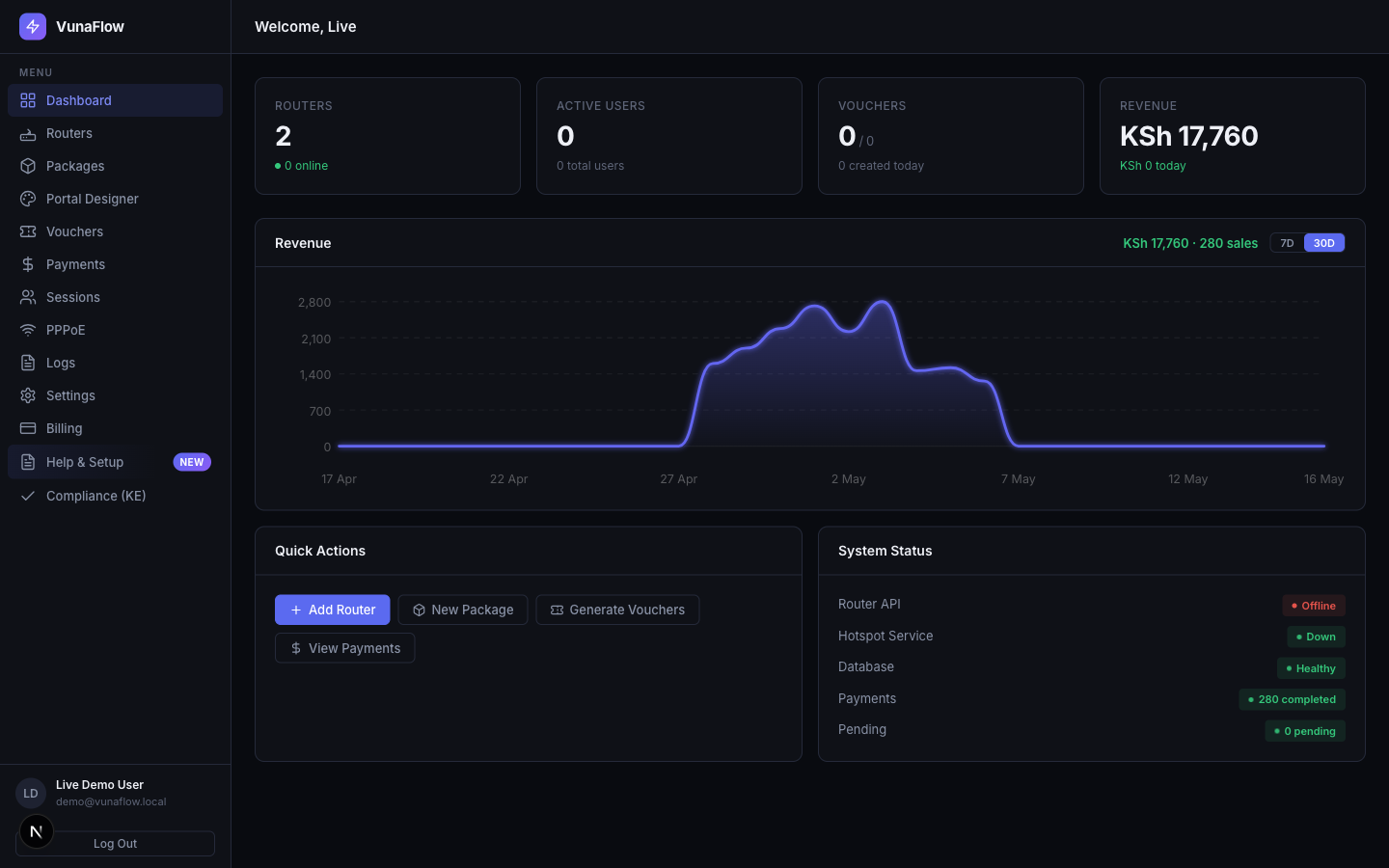
- Your dashboard updates in real time — revenue, sessions, routers
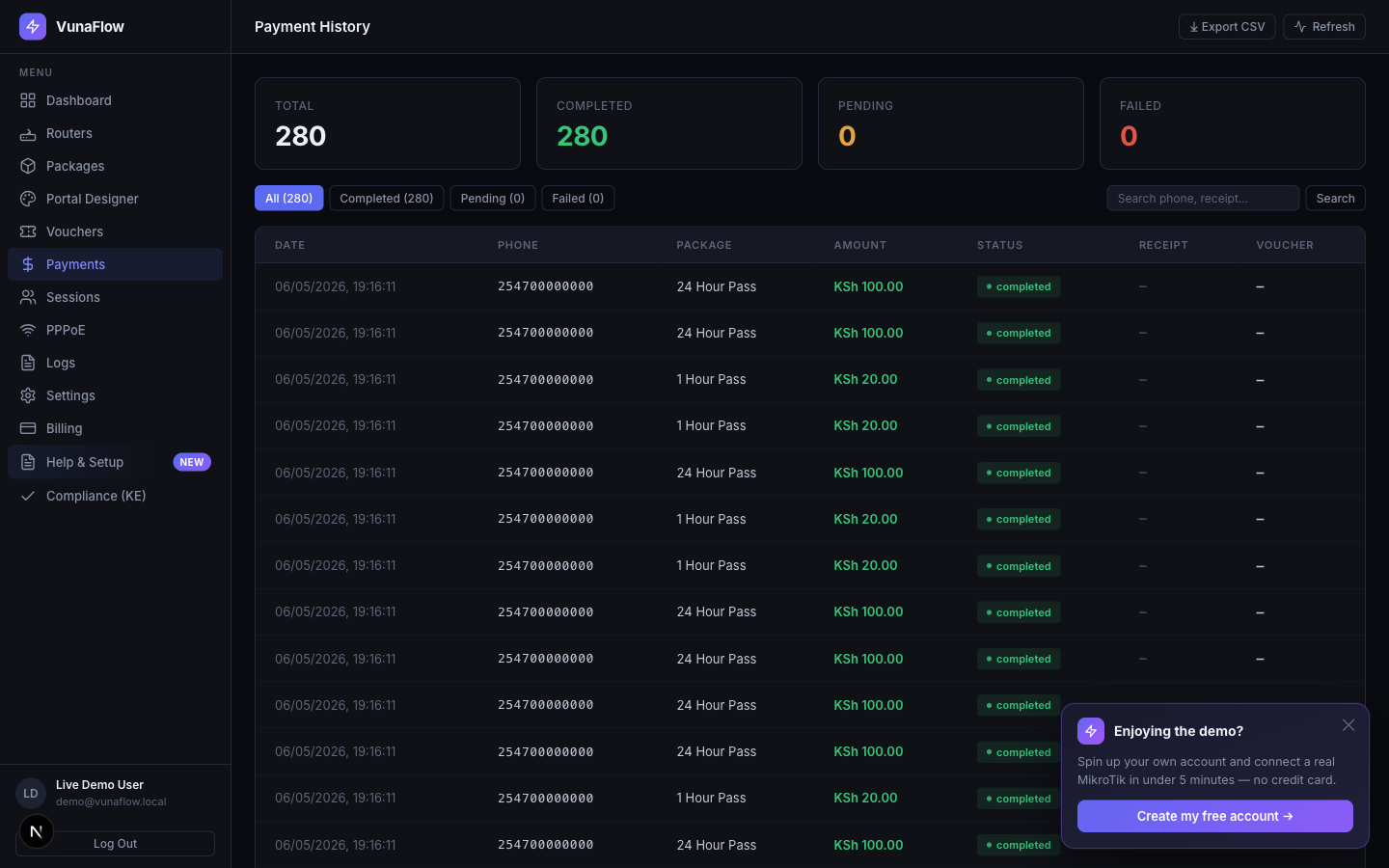
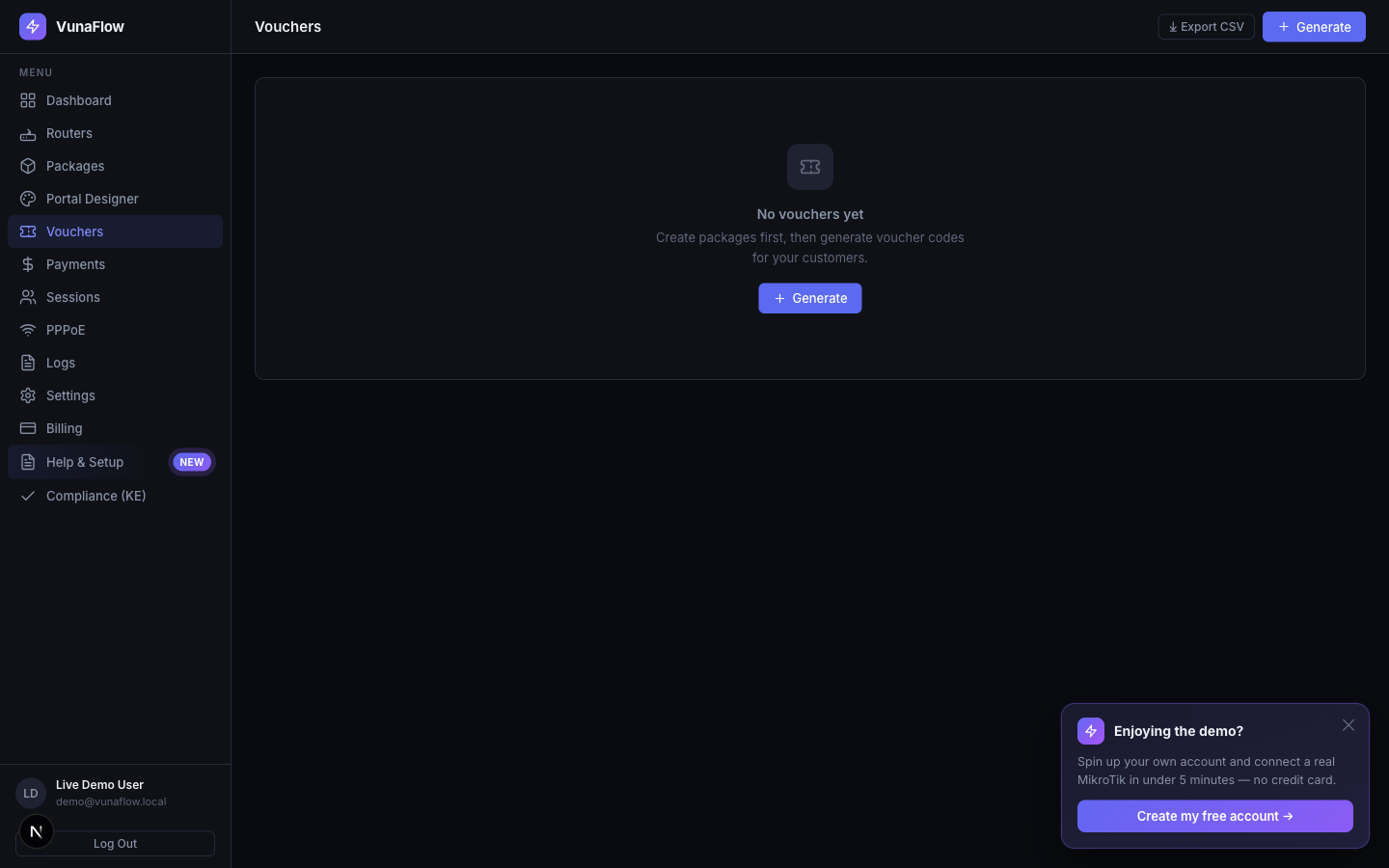
You see every shilling, every session, every router — in real time.
Pick a kit for your site
Two starting points depending on how many customers and how much area you need to cover. Mix and match later as you grow.
- Internet→
- MikroTik gateway→
- Outdoor Wi-Fi AP→
- Customers
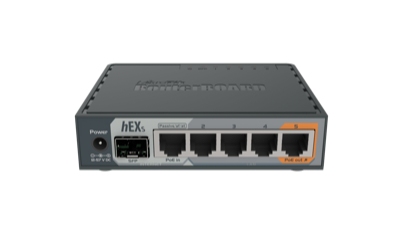
- 1×MikroTik gateway/controllerKES 4,500
- 1×Outdoor Wi-Fi access pointKES 5,500
- 1×Cables & connectorsKES 1,200
- Internet→
- MikroTik gateway→
- Network distributor→
- Outdoor APs→
- Customers
- 1×MikroTik gateway/controllerKES 12,500
- 1×PoE network distributor (switch)KES 8,800
- 2×Outdoor Wi-Fi access pointsKES 11,000
- 1×Cabling & mounting accessoriesKES 2,400
Hardware prices may vary depending on supplier and availability — current stock at vunaflowshop.wencreatives.com. See the next page for full specs, and page 6 for buy-yourself vs full-setup options.
The hardware, in detail
Specs and prices for every item in the kits above. All prices in KES.
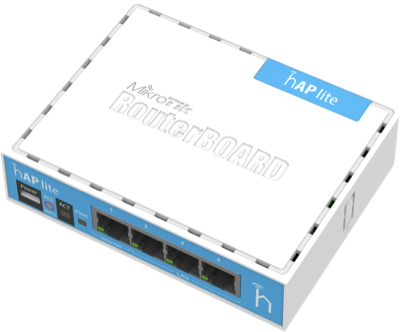
How it all connects
A typical hotspot site. Add or skip pieces depending on coverage.
Cables shown are Cat6 outdoor where they run outside, Cat5e/Cat6 indoor otherwise. PoE means power runs over the same cable as data — no extra adapters needed at the AP end.
Hardware & Installation
You’ve got two ways to get set up. Pick whichever fits your time, budget, and comfort with networking.
Whichever option you pick, you’ll need: internet from your provider (anything that gives Ethernet out) and your Safaricom till number (the one customer payments go to).
Purchase the MikroTik gateway, Wi-Fi access points, network distributor, and cables yourself from local suppliers. Then install and configure it on your own.
- A laptop with WinBox installed (free from mikrotik.com)
- 30 minutes of your time for first-time setup
- Basic comfort following step-by-step instructions
We buy the hardware, configure the network, install VunaFlow, and hand it over working. You just plug in customers.
- Device configuration
- VunaFlow hotspot setup
- M-Pesa integration
- Customer login portal
- Basic testing & optimisation
Pricing
Low one-time setup, then a simple monthly dashboard fee. No hidden charges, no licensing fees, no yearly renewals.
| Hardware (Small site) | KES 11,200 |
| Hardware (Large site) | KES 34,700 |
| Installation (Option 2 only) | KES 1,000 |
| Total setup, e.g. Small site with installation | KES 12,200 |
Hardware prices may vary depending on supplier and availability. Pick Option 1 to skip the installation fee.
- Access to the VunaFlow dashboard
- Customer & voucher management
- Payment tracking & hotspot analytics
- Captive portal in your brand
- System updates & new features
VunaFlow takes no cut of customer M-Pesa payments. Safaricom Daraja transaction fees are charged directly to you by Safaricom at their standard rates. No Safaricom Daraja app of your own needed — VunaFlow handles that.
What happens next
- Sign up at vunaflow.wencreatives.com
- Enter your till number in Settings
- Add your price plans (e.g. “30 min for KSh 10”)
- Plug in your MikroTik — or pick Option 2 and we’ll install it for you (KES 1,000)
Common questions
- What happens after the 3-day free trial?
- Your hotspot keeps running for customers. Your admin dashboard pauses until you activate the KES 500/month plan. Nothing is auto-charged — we ask before billing.
- Can I buy the hardware myself?
- Yes — that’s Option 1 on the previous page. You skip the KES 1,000 installation fee, pay only the monthly dashboard fee, and we’ll send you the step-by-step setup guide.
- Which MikroTik routers are supported?
- Anything running RouterOS v6.45+ with API access enabled. We’ve tested across RB750, RB951, hAP, and CCR series. On RouterOS 7 you’ll need to switch out of device-mode before the API will accept us.
- Do you offer setup help?
- Yes. Option 2 (KES 1,000) is a full done-for-you install. Option 1 includes written setup documentation, and you can hire us for remote configuration if you get stuck.